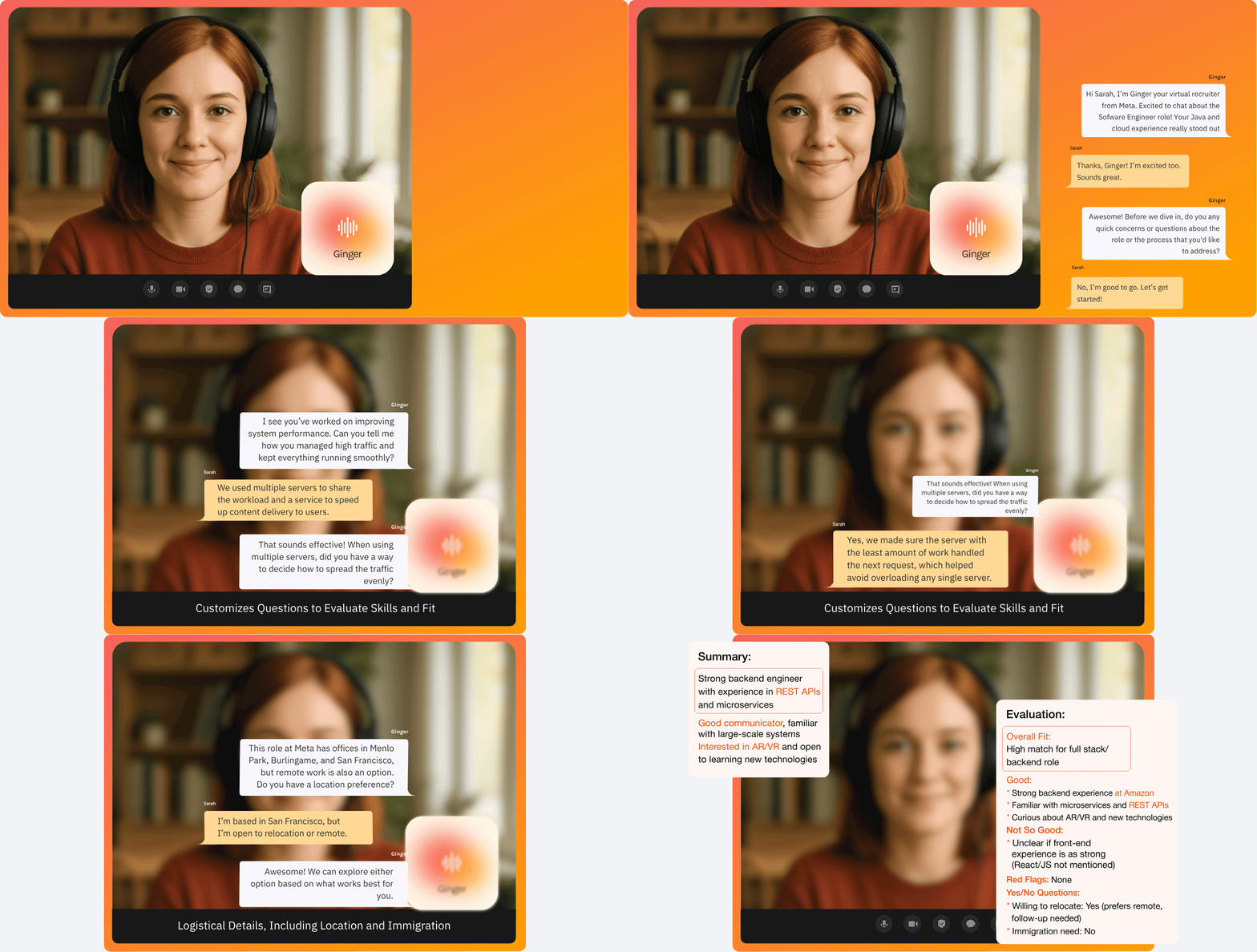
About Ginger
Ginger is an AI-driven voice recruiter used by companies to screen candidates through natural, human-like conversations. I joined as the founding designer to lead the end-to-end product design from research to UI, prototyping and conversational design.


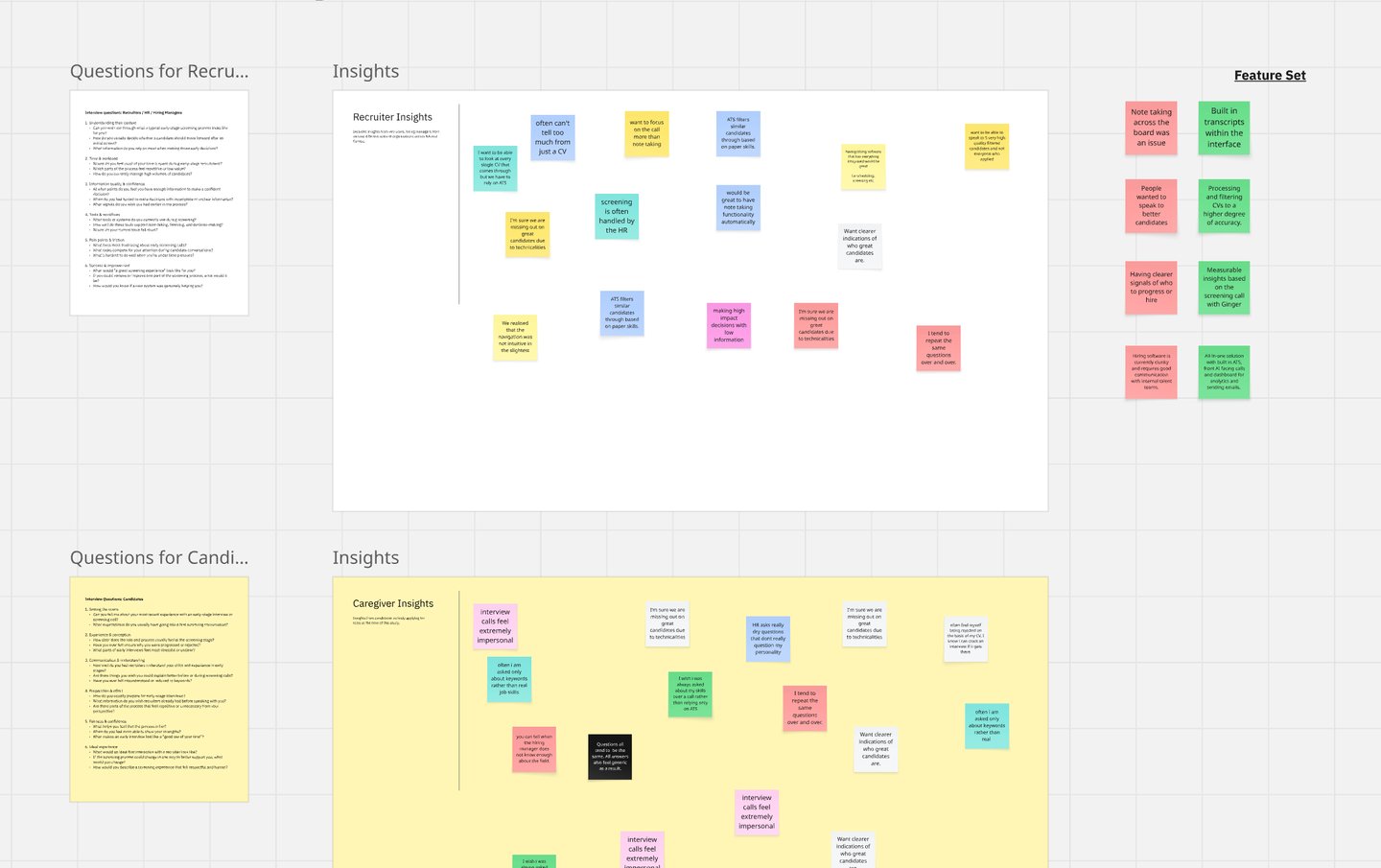
We conducted research with 22 recruiters and hiring managers across Europe and NA and this is what we learned.
RECRUITERS CAN'T SCALE MEANINGFUL CONVERSATIONS
They spent 60%+ of their time on repetitive early screening calls but felt pressured to make decisions based on thin information.
VOICE AI CAN FEEL UNCANNY OR UNCOMFORTABLE IF POORLY DESIGNED
When tone, pacing, or conversational flow doesn’t align with human expectations, users experience friction rather than support.
EARLY INTERVIEWS FEEL UNNATURAL AND CHALLENGING
Candidates said they often over-prepare, freeze, or feel judged. Traditional ATS tools feel cold or robotic, causing drop-offs or shallow answers.
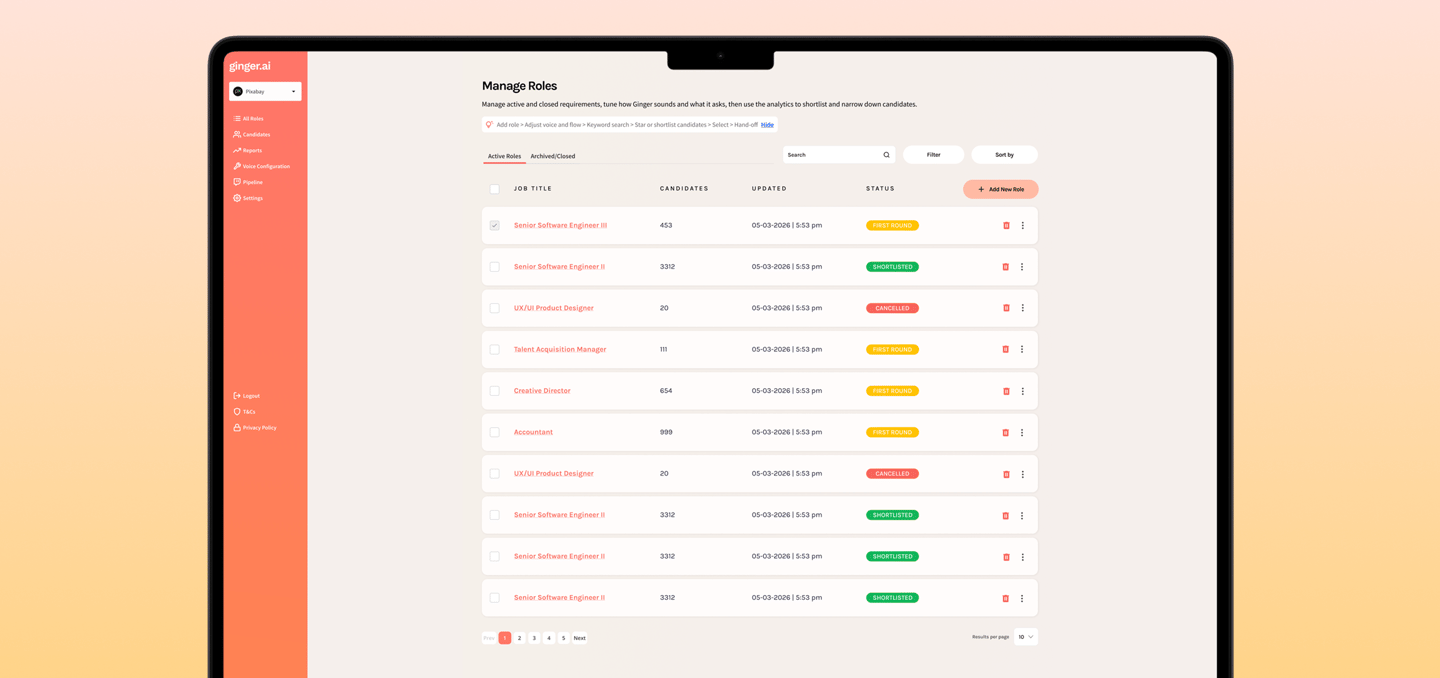
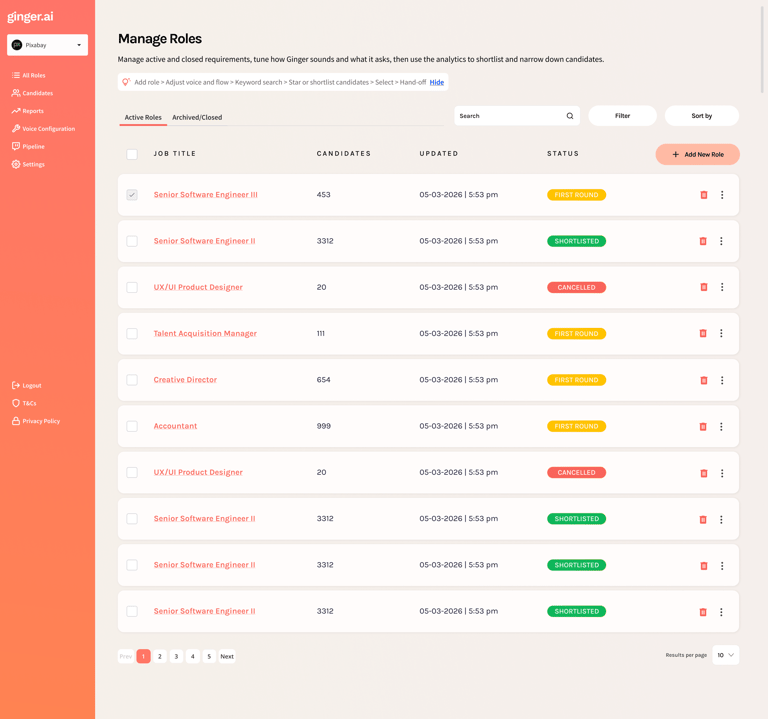
I designed the recruiter view around one question: “If you only had two minutes, what would you need to see?” The answer was counts at the top, a scannable list in the middle, and a single place to open the full story—summary, strengths, risks, and the transcript—without hunting through tools.
WHAT YOU ARE LOOKING AT IN THE MOCKUP
Header — job title, search, filter, and sort so the list stays usable when there are hundreds of applicants.
Summary tiles — four numbers that tell the health of this req at a glance (who is left in the funnel and how the AI grouped them).
Candidate rows — name, what to watch for (“risk”), what stood out (“key strength”), and a clear Hire / Consider / Do not hire badge.
Expand a row — short narrative plus bullet strengths (and weaknesses when they exist) so the team can discuss a person from shared facts.
Pagination — familiar controls at the bottom so nobody feels trapped on an endless scroll.
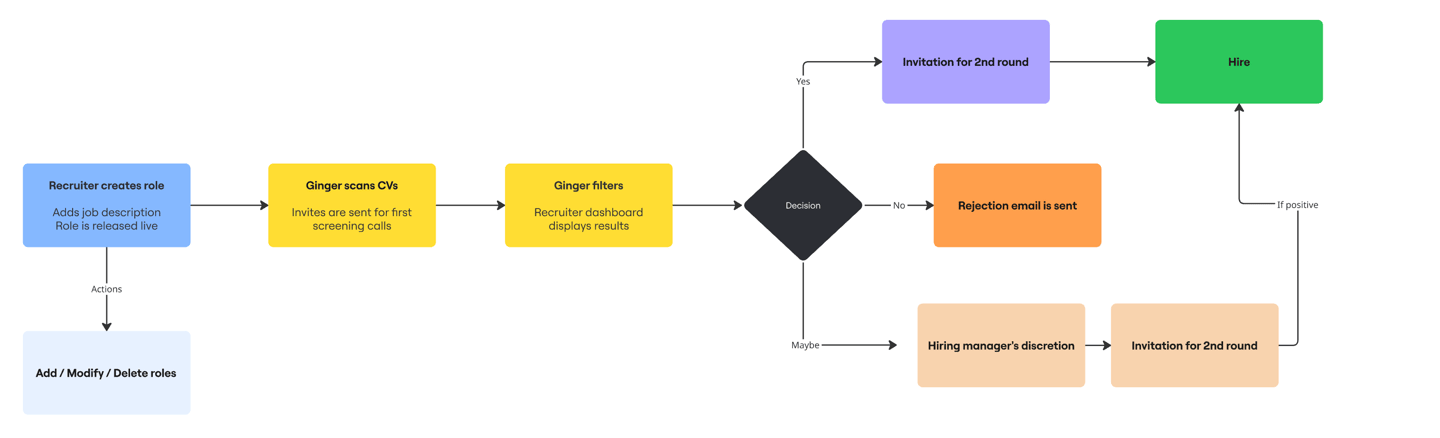
THESE INSIGHTS NARROWED OUR SCOPE


MY FOCUS AREA
THE VOICE INTERVIEW EXPERIENCE
I intentionally scoped into ONE product surface:
The real-time voice interview flow.
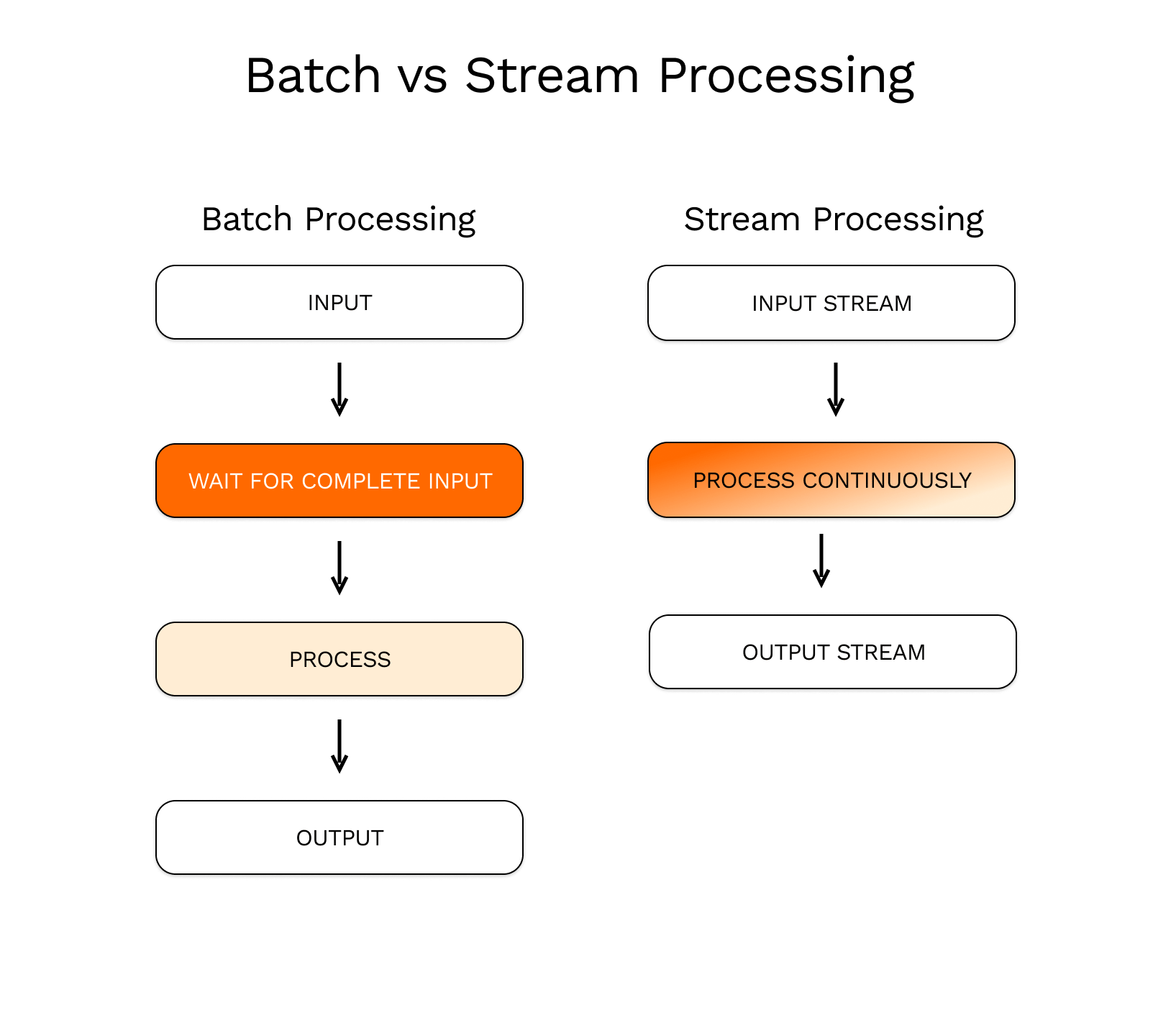
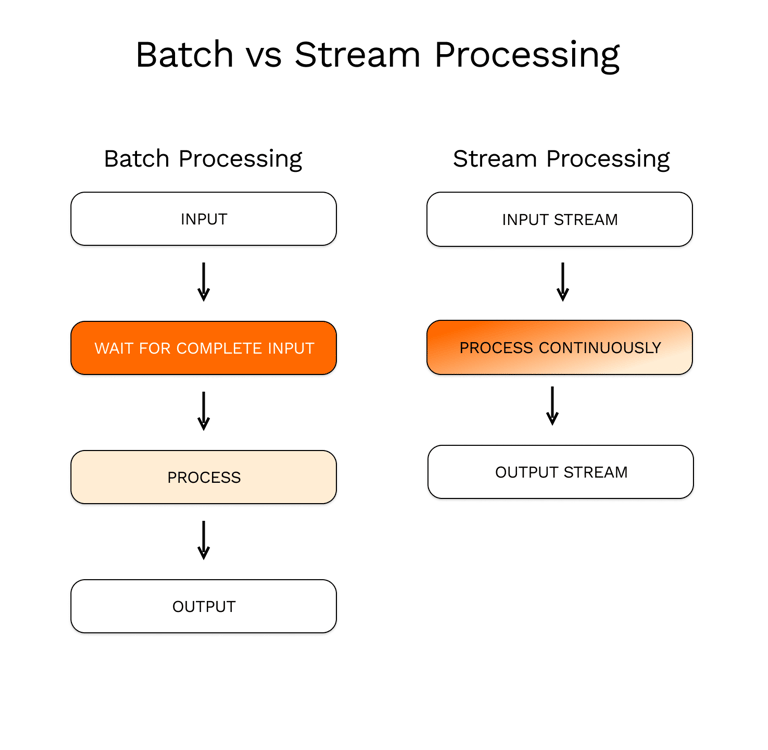
This required orchestrating three layers simultaneously:
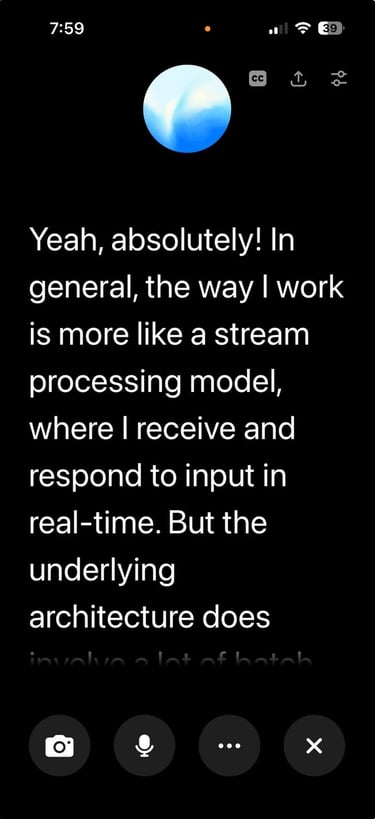
VOICE AI - UX ENHANCEMENTS
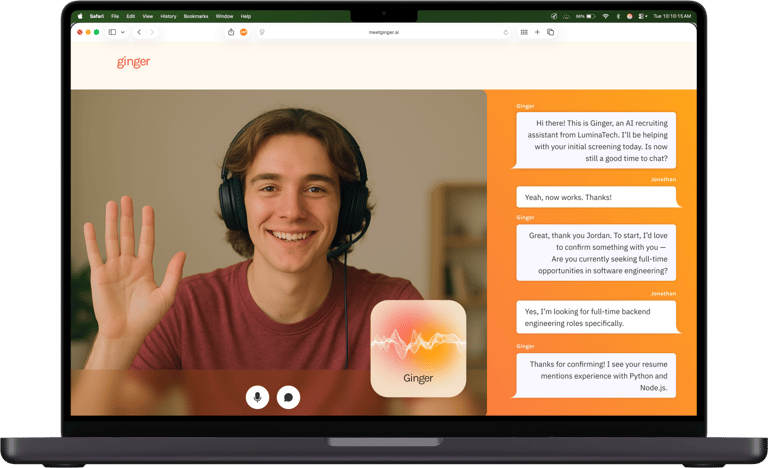
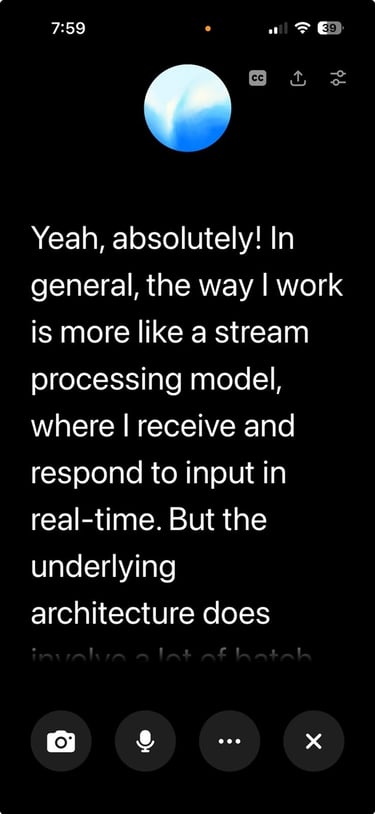
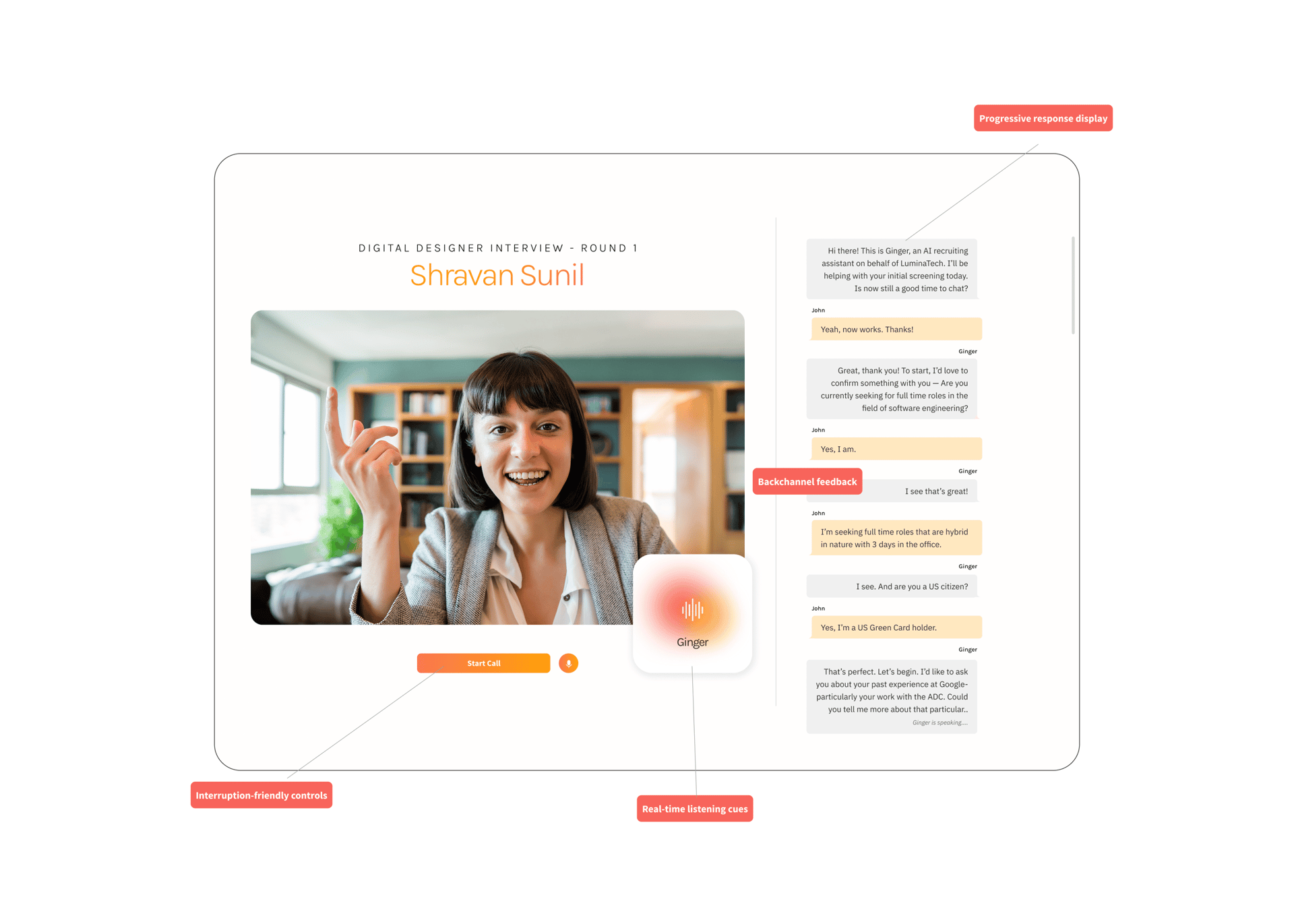
Implemented real-time listening cues such as animated waveforms, avatars, and dynamic “listening…” indicators to show attentiveness.
Suggested developers to add backchannel feedback like “uh-huh,” nods, and subtle visual signals to mimic natural human listening.
Introduced progressive response display (as transcrispts) so users could see AI responses unfolding as they were generated.
Designed interruption-friendly controls allowing users to speak, pause, or redirect the AI mid-response.
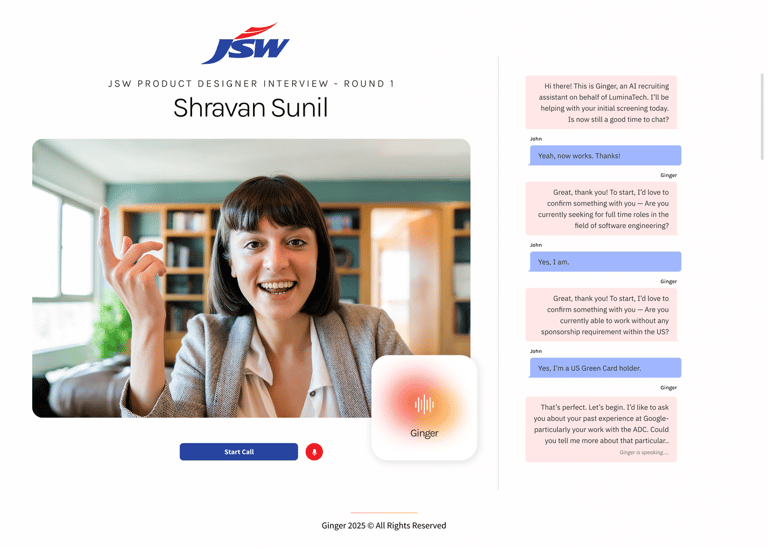
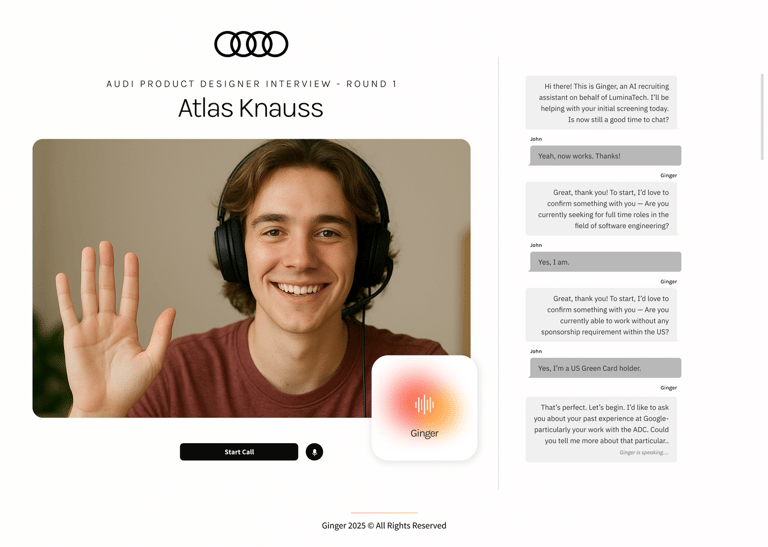
WHITE LABEL PRODUCTS CUSTOMISED FOR OUR CLIENTS